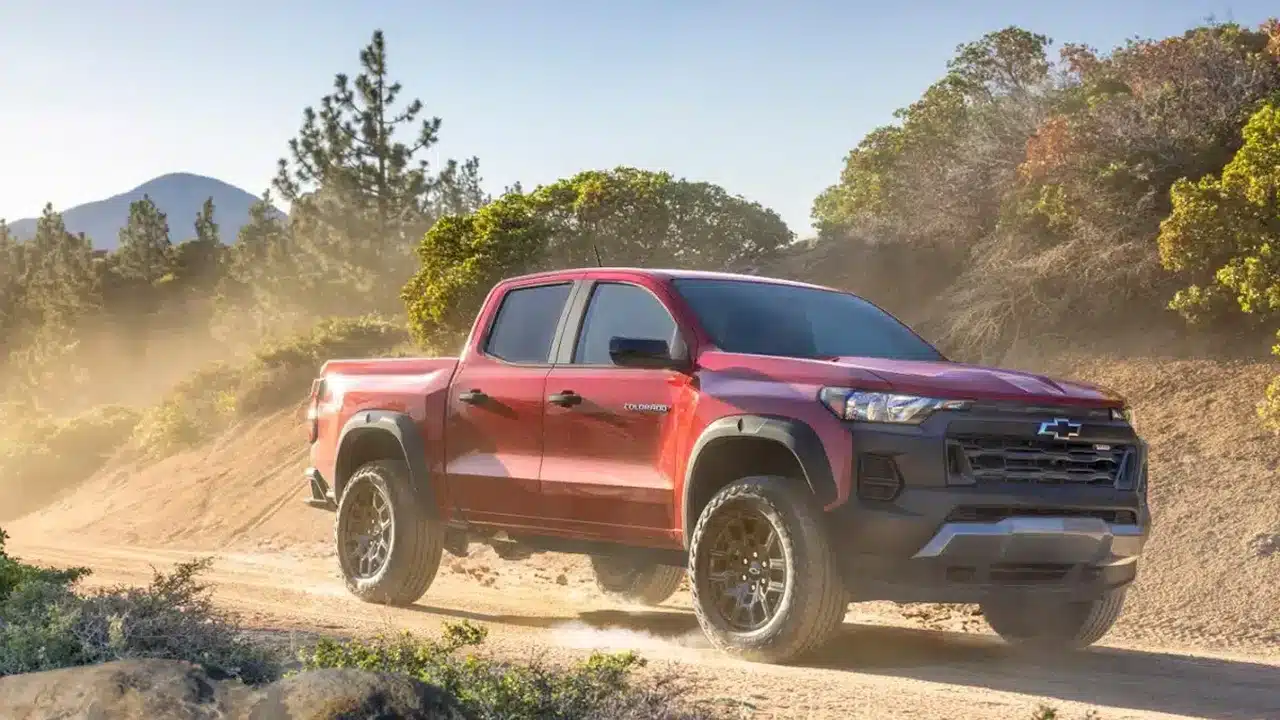
Backup cameras and touchscreens should work when you need them, not after a second try. GM’s Infotainment 2026.4 update targets those everyday frustrations in the 2026 Chevrolet Colorado and GMC Canyon, along with several features owners use while towing or heading off-road.
The GM release notes filed with NHTSA identify field action N26-257646 and the trucks’ Virtual Cockpit Unit. This is an over-the-air software update, not an announcement of a new safety recall.
What the Chevrolet Colorado and GMC Canyon update changes
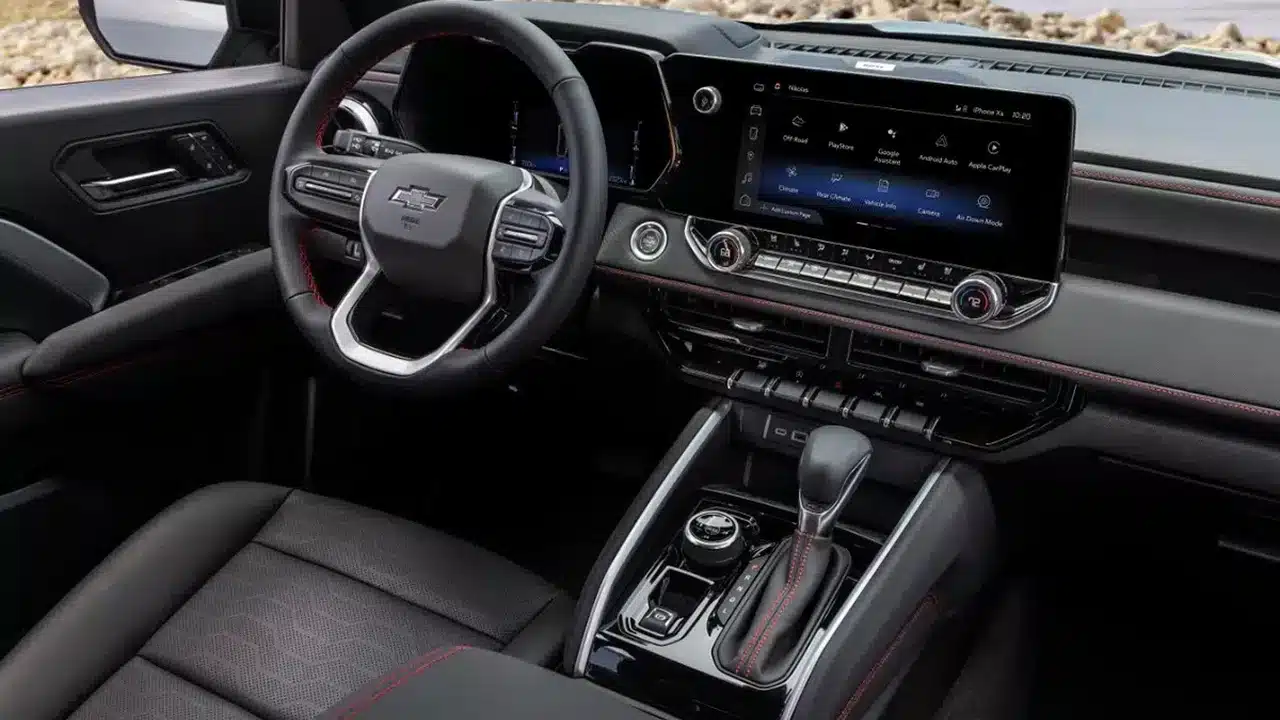
GM lists improvements to rear-camera startup, surround-view availability and the Camera app. The changes also address center-display response, profile switching, audio startup, SiriusXM presets and Apple CarPlay image sizing. Phone and navigation information should appear more reliably in the driver display and head-up display, where equipped.
Truck-specific fixes include keeping Trailer Theft Alert enabled through sleep-and-wake cycles, improving Off-Road app startup and drive-mode control response, and correcting tire-pressure targets when changing measurement units. GM also lists more reliable operation of the underbody-camera washer, where equipped.
These are usability fixes, not new hardware. An update cannot give a truck cameras or other equipment it did not have before. The practical test is whether the features already on your truck respond consistently when you select them.
What owners should check before installing
The release notes also address downloading, installing and recovering from interrupted software updates. They do not provide an installation time or promise that every truck will receive the update simultaneously. Check your vehicle’s software-update screen and follow the instructions displayed for your truck. If no update appears, ask your dealer to check eligibility using the VIN and the field-action number rather than assuming the truck has been missed.
The document linked here specifically names the 2026 model year. Separate GM documentation covers 2024–2025 Colorado and Canyon models; owners of those trucks should confirm the applicable campaign rather than use the 2026 number as a substitute.
If you are dealing with a persistent blank screen or camera problem, keep a record of when it happens and whether it continues after an update. A software release is useful information for a service visit, but it is not proof that every complaint has the same cause. Check open safety recalls separately at NHTSA’s VIN lookup.